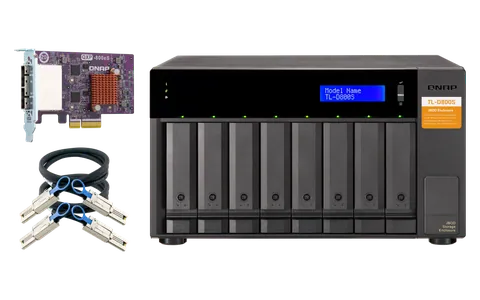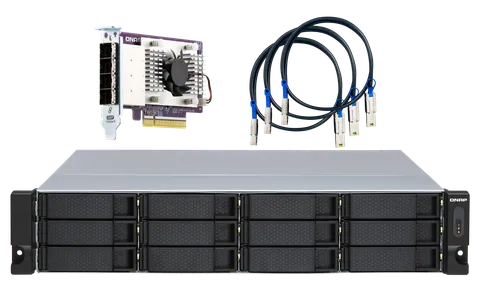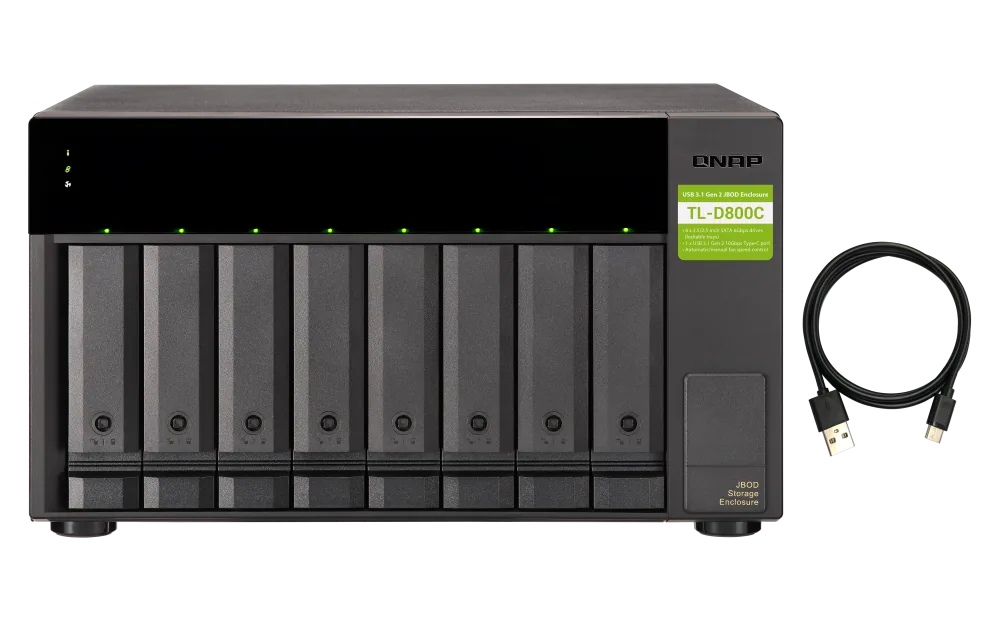
یونیت توسعه کیونپ مدل TL-D800C (USB)
یونیت توسعه کیونپ مدل TL-D800C (USB) از محصولات برند کیونپ در بخش «یونیت توسعه ظرفیت» است. توضیحات و جدول مشخصات سازنده در ادامهی همین صفحه آمده است.
برای سفارش عمده، پیشفاکتور یا مشاورهی فنی پیش از خرید، با ما در تماس باشید.
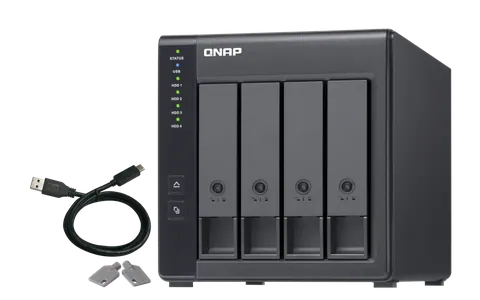
- 8 Bays for SATA 3.5"/2.5" HDD/SSD
- RAID 0,1,5,6,10 Support
- Diskless 0 TB
- 2 Years Warranty
--
TL-D800C(USB)
USB 3.2 Gen 2 Type-C high-capacity JBOD storage enclosure
The TL-D800C JBOD storage enclosure allows you to back up and expand your QNAP NAS and computers (supports Windows and Mac). The TL-D800C features eight 3.5-inch SATA 6Gb/s drive bays with USB 3.2 Gen 2 (10 Gbps) Type-C connectivity to provide a fast and smooth expansion solution.
Notes:
1. TL-D800C only supports devices with USB 3.2 Gen 1 (or above) port.
2. QNAP recommends following the standard procedure to connect or disconnect the TL-D800C. For more information, please see the TL-D800C user manual.
3. The TL-D800C can only be used as an individual storage pool or volume on the NAS. Its storage pool/volume cannot be combined into the connected NAS. NAS applications cannot be installed on the TL-D800C.
4. The TL-D800C only supports QNAP NAS running on QTS 4.4.2 (or above) or QuTS hero operating system.
5. The TL-D800C doesnt support ASM1142 USB controller IC based USB ports and PCIe expansion cards (e.g. QNAP USB-U31A2P01 expansion card)
-

USB 3.2 Gen 2 Type-C connectivity* provides up to 10 Gb/s data transfer speeds. The port can support USB Type-A to Type-C connection or Thunderbolt 3 Type-C connection using different cables.
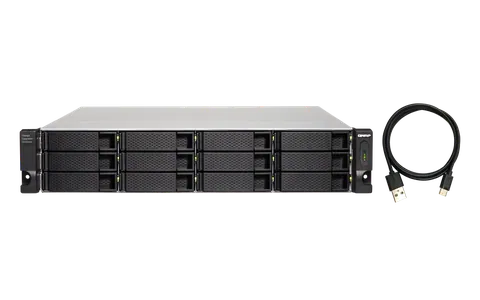
*The package includes one USB 3.2 Gen 2 Type-C to Type-A cable. Maximum 1M USB cable is recommended. -

Lockable hard drive trays prevent accidental drive removal.
-

Supports SATA 6Gb/s drives for reliable read/write performance.
Flexible storage configuration and management
The TL-D800C provides software-controlled configurations for greater management flexibility. Users can configure RAID and monitor disk health using the QTS / QuTS hero Storage & Snapshots Manager on a QNAP NAS, or by using the QNAP JBOD Manager utility on their computer.
,
-

Use the QTS / QuTS hero Storage & Snapshots Manager to configure the TL-D800C as a storage enclosure for your QNAP NAS. The NAS expansion storage mode supports various NAS functions, including storage pools and snapshots. With TL-D800C, you can easily expand storage capacity.
-

The QNAP JBOD Manager is a desktop utility for monitoring the TL-D800C on Windows®, Mac®, and Ubuntu® computers. You can quickly obtain disk statuses, JBOD information and health, view fan rotation speed, and check for firmware version updates.
What you need to know
You can connect your TL-D800C to Windows®, Mac®, and Ubuntu® computers through the USB interface and use built-in utility to manage the RAID configuration.
Note:
1. When the USB port endpoint usage exceeds the limit, drives on the TL-D800C may not be recognized. For more information, please visit ?
2. Before removing a storage pool, make sure you have removed all volumes and LUNs on that storage pool to avoid unexpected disasters.
3. Please connect your TL USB JBOD directly to the USB port on your PC. Do not connect the TL USB JBOD to the USB hub.
Intelligently monitor JBOD enclosure status on PC and servers with QNAP JBOD Manager
The QNAP JBOD Manager is a desktop utility for monitoring the TL-D800C on Windows® and Mac® computers. You can quickly obtain and view information about the JBOD status, health, fan rotation speed, and check for firmware version updates. All device events are recorded, and QNAP JBOD Manager will automatically send system alert notifications to your desktop.
Notes:
1. You can set up new software RAID groups in [Windows Storage Spaces] in Windows 8 (or later versions).
2. Windows Server 2012 R2 (or later version) users can set up new software RAID groups in [Server Manager].
3. macOS 10.13 & 10.14 users can set up new software RAID groups in [RAID Assistant]. QNAP recommends using RAID 1 instead of RAID 0 for data protection.
4. Ubuntu 18.04 users need to pass commands into [mdadm] to set up new software RAID groups.